Diwa Lucky
Diwa Lucky is a mobile hub for India adults: choose an app by the session you want, keep one account, and use one Android install.
The Latest Diwa Lucky Version, Download Now!
Mobile games | Android access | One account | Adults 18+






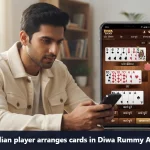



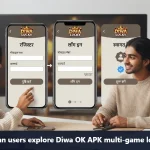
Diwa Lucky – A Mobile Gaming Hub for Apps, Games and Account Access
Diwa Lucky gives Android-first users in India one clear place to explore mobile game options, return to an existing account and move toward the app experience that matches the type of session they want. Instead of treating every APK as the same product, the site works as a hub where reel games, rummy-focused apps and broader mobile gaming options can be explored separately. New users can begin with account access, while returning users can move directly toward the lobby, app pages or transaction tools. This homepage explains how the ecosystem fits together without forcing every player through the same route.
Start With What You Want to Do on Diwa Lucky
A homepage is most useful when it shortens the route to the next action. Some users arrive because they want to understand the platform. Others already know the app they want and only need a clearer path to it.
Use the area that matches your current goal:
| Your goal | Best starting point | What to check |
|---|---|---|
| Understand the platform | Homepage | Current app and game categories |
| Create an account | Registration | Current form and verification |
| Return to your profile | Login | Password and network |
| Explore an app | App page | Gameplay focus |
| Use Android directly | APK page | Current package and installation |
| Review an offer | Promotions | Eligibility and conditions |
| Add funds | Wallet | Available method and amount |
| Request funds | Withdrawal | Existing request status |
This keeps Diwa Lucky easier to navigate on a phone because the homepage becomes a decision point rather than another screen to scroll through.
A practical first visit can follow this sequence:
- Sign in or create the account you need.
- Let the main navigation load fully.
- Choose an app or game category.
- Open one dedicated page.
- Understand the gameplay before installation or play.
- Keep account actions separate from active game sessions.
- Return to the hub when you want to explore something different.
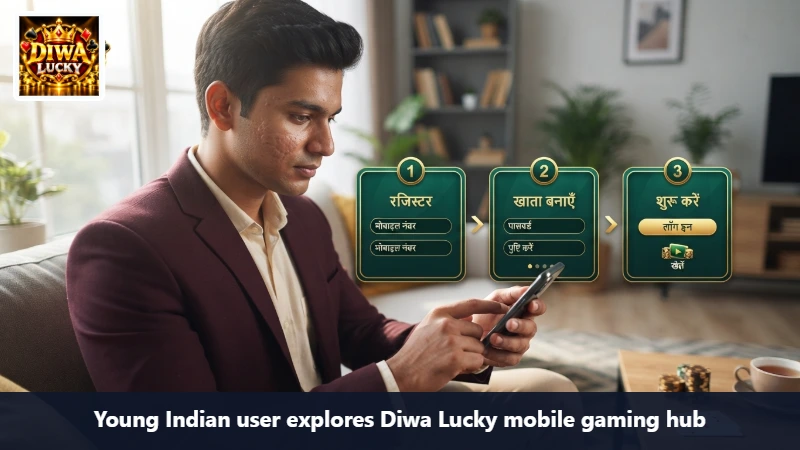
Choose an App by Gameplay Instead of Name Alone
The individual app pages are more useful when each one is treated as a different mobile experience rather than another APK with a new name.
Diwa Lucky can guide users toward dedicated pages such as:
- Diwa Spin APK;
- Diwa Rummy APK;
- Diwa Lucky APK;
- Diwa OK APK;
- Diwa Play APK;
- Diwa King APK;
- Diwa Ace APK;
- Diwa X Game APK;
- Diwa Win APK;
- Diwa VIP APK.
These pages should not all be approached in the same way. The live app page and current game lobby should remain the reference for what each product actually provides.
Reel and Spin-Focused Experiences
A reel-focused app is built around visible symbols, short rounds and a main spin control. Before starting, users should understand:
- where the round begins;
- how the reel layout works;
- where the current balance is shown;
- whether extra feature information is visible;
- how the game indicates the round has ended.
A previous result should not be treated as a reliable prediction of the next round.
Rummy and Card-Focused Experiences
Rummy-style apps require more attention to the hand itself. Depending on the current format, users may need to understand concepts such as:
- pure sequence;
- impure sequence;
- set;
- joker;
- declaration.
A mobile interface can make table access faster, but it does not replace understanding the rules.
Multi-Game Apps
Some app pages may lead into a broader lobby where several game styles appear together. In that situation, use the category structure to decide what type of session you want instead of opening several games at once.
| Experience type | Typical pace |
|---|---|
| First thing to understand | Reel / spin |
| Fast | Symbols and controls |
| Rummy / card | Moderate |
| Rules and hand structure | Multi-game |
| Variable | Current categories |
| Quick-round | Very fast |
| Start and end flow | Ảnh 2 |

Keep One Diwa Lucky Account Journey Easy to Follow
A consistent account routine makes mobile use easier to understand. Registration should create one profile that remains useful across normal browser and Android sessions.
If verification appears, complete it directly on the page you opened yourself. Passwords and OTP codes should remain private.
Once the account is active, keep the same profile for login, promotions and transaction history rather than creating another one after a temporary access problem.
Return Through the Same Login
If the password is rejected, type it manually once before starting recovery. Chrome, Android autofill or a password manager may still contain an older credential after a password change.
A network switch can also interrupt login. If the phone changes from Wi-Fi to 4G or 5G while the request is processing, wait until the new connection becomes stable before trying again.
Use Recovery for a Real Password Problem
One stale tab, one background reload or one network interruption is not enough reason to reset the account.
A clean path remains:
Registration → Login → App or Lobby → Game → Account history
That sequence makes later support easier because the account state stays connected to one profile.
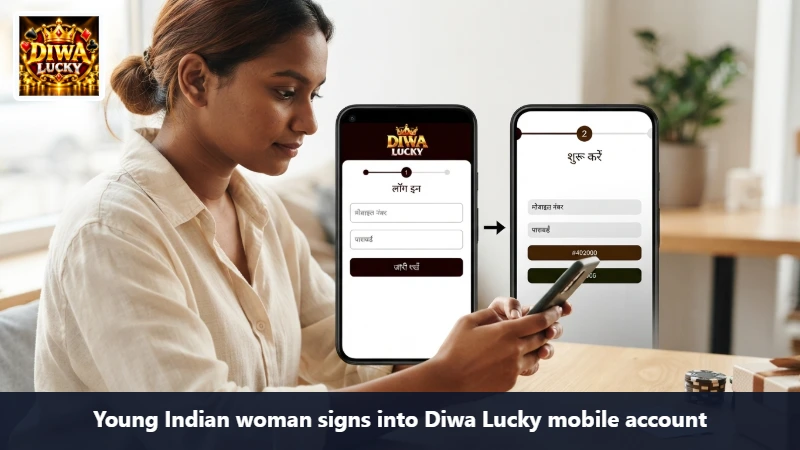
Use Android Apps Without Turning Every Update Into a Reinstall
For users who play mainly from Android, a dedicated app gives a clearer return route than keeping an old browser tab open in the background.
The individual APK pages should explain installation in more detail, but the basic Diwa Lucky Android routine stays simple:
- Open the relevant app page.
- Download one complete APK.
- Wait until the file finishes.
- Open it from Chrome or the Downloads folder.
- Follow the Android installation prompt.
- Allow the active source only if required.
- Complete installation.
- Open the app and continue with the existing profile.
Repeated taps can create duplicate installers ending in “(1)” or “(2).” Check the timestamp and use the newest completed package.
Keep a Working App While Checking an Update
If an installed app still opens normally, keep it in place while checking a newer package. Android may recognise the file as an update.
Removing a working version too early creates unnecessary setup work and removes a useful fallback.
App Update and Account State Are Different Things
A failed APK update does not automatically mean the player account has changed.
If the app updates successfully but login fails afterwards, check the saved password and current connection first.
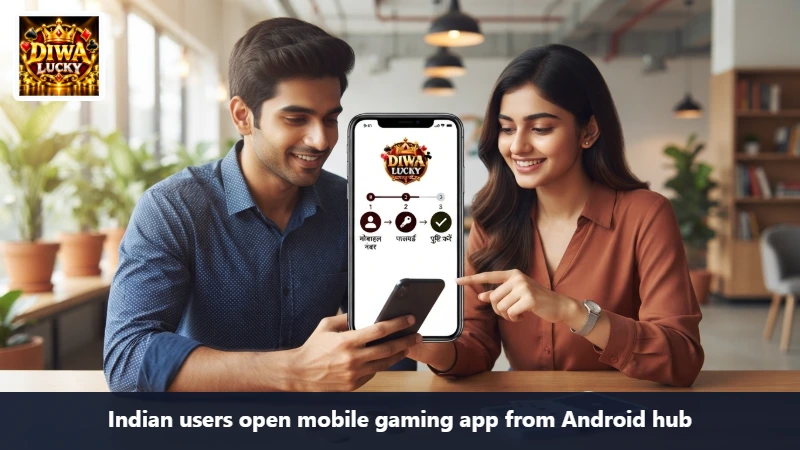
Check Current Offers Before They Change Your Session Plan
Promotions should be treated as live account information rather than fixed promises. An offer shown during one session may not use the same conditions later.
Before activating anything, check:
- eligibility;
- activation requirements;
- eligible games;
- usage conditions;
- withdrawal conditions;
- expiry or time limits.
A current Diwa Lucky offer should fit the session you already planned rather than become the reason to increase your budget.
Keep promotion decisions separate from the result of the previous game.
Keep Deposits Outside Active Gameplay
A deposit belongs in the wallet or account area, not inside an active game screen.
Use a simple sequence:
- Open the wallet.
- Choose one of the methods currently available.
- Enter the requested details.
- Review the amount.
- Confirm once.
- Check transaction history if the confirmation screen disappears.
If the network changes immediately after confirmation, do not repeat the action until you know whether the first request was recorded.
A missing screen does not automatically mean the deposit failed.
Follow One Withdrawal Request at a Time
A withdrawal is easier to track when one request remains connected to one status or reference.
| Withdrawal state | Better next step | Submitted |
|---|---|---|
| Keep the reference | Page reloads | Check account history |
| Pending | Continue following the same request | Verification appears |
| Complete the current requirement | Support is needed | Use the original request details |
Creating another request only because the first one appears slow can make the transaction history harder to understand.
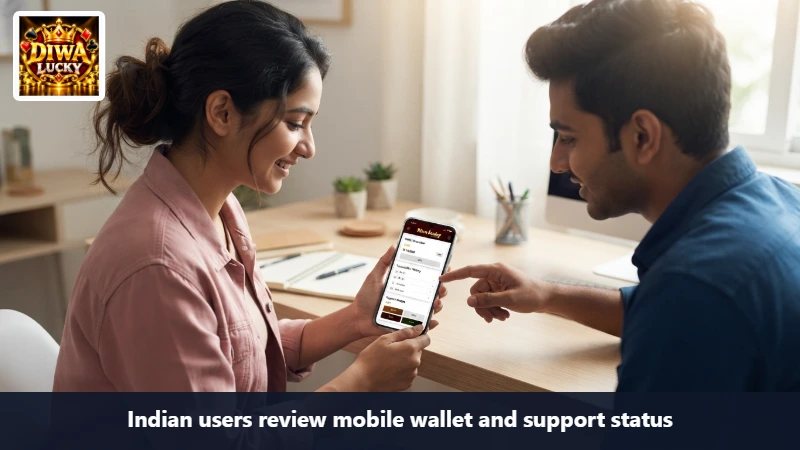
Handle Mobile Problems With the Smallest Useful Fix
Android can reload background apps, refresh browser tabs or switch networks automatically. These normal behaviours can affect the screen while the account remains unchanged.
| Situation | First check |
|---|---|
| Better response | Diwa Lucky login loops |
| Password and network | Open a fresh session |
| App lobby becomes blank | Connection and memory |
| Close background apps | One game closes |
| Current title | Return to the lobby |
| APK will not install | File, storage, permission |
| Fix the specific cause | App becomes slow |
| Memory and storage | Restart the app |
| Deposit page reloads | Transaction history |
| Check before repeating | Withdrawal stays pending |
| Existing request | Follow the same status |
close affected screen → check network → close background apps → check storage → reopen app → restart Android → reinstall only if necessary.
Background Reloads Are Not Automatically App Failures
If Android removes a game from the background because another application needs memory, return to the lobby and reopen one title after the session reconnects.
Network Changes Need Different Responses
A Wi-Fi to 5G switch during gameplay may only need a reconnect. A network change during a transaction requires an account-status check before repeating anything.
Give Support a Clear Timeline
If a problem continues, explain what happened in order rather than sending only “app not working.”
Include:
- what you were trying to do;
- which screen failed;
- whether the network changed;
- whether the account stayed signed in;
- whether the action appears in history;
- what you already tried.
Do not share passwords, OTP codes or payment authentication information.
Keep Mobile Sessions Within Clear Limits
Real-money features are intended for adults aged 18 and above and should be used only where permitted in your location.
Different apps can create very different session speeds. A rummy table may require slower decisions, while a reel or quick game can generate many rounds in the same amount of time.
A practical session plan is:
- choose games whose rules you understand;
- decide the available balance before starting;
- set a time limit;
- keep the same limit after a loss;
- avoid chasing previous results;
- return to the app hub before switching experiences;
- stop when the planned session ends.
Real-money gaming should remain entertainment rather than guaranteed income.
Questions About Diwa Lucky Apps and Mobile Access
Which app should I explore first?
Start with the app whose gameplay style matches what you actually want: reel, rummy, card or a broader multi-game lobby.
Can I keep the same Diwa Lucky account on Android?
Use the same profile across normal access points where the current account flow allows it.
Why does an app reload after I switch to another application?
Android may have removed the background session to free memory. Let the app reconnect and reopen one title.
What should I do if a transaction confirmation disappears?
Check account history before repeating the request. The first action may already have been recorded.
Should I reinstall after one loading problem?
No. Check the network, storage, device memory and the affected app or game first.
Conclusion
Diwa Lucky works best as a mobile hub where users can choose an app by gameplay, keep one account journey and move between Android access and account tools without unnecessary repetition. Use the live app pages as the reference for each product, preserve working installations during updates and check transaction history before repeating interrupted requests. Small troubleshooting steps, clear game choices and sensible session limits make the wider mobile ecosystem easier to explore and manage.
Reading Diwa Lucky APK from the Diwa Lucky hub
The guide above is the Diwa Lucky APK note taken from the Diwa Lucky folder. This part of the page is the route around that note, written for https://diwa-lucky.info. Diwa Lucky APK stays one app. The hub does not fold Spin, Rummy, OK, Play, King, Ace, X, Win and VIP into the same package just because they share a front page. What this square is for, in plain words, is choosing an app by the session you want. How it tends to feel in the hand is this: different for reel, rummy and quick titles. The slip this page is trying to stop is raising the amount because an offer or a previous result changed.
Arrive with a job already chosen. Some people want the lobby. Some want the file. Some want the wallet. Diwa Lucky APK gets messy when those three jobs share one tap. Sign in, wait until the lobby has actually drawn, then open a single title. Offers, money in, and money out happen in the account area after you have left the round. A phone that redraws the Diwa Lucky APK screen in the middle of a payment is not asking you to send the payment twice.
The Diwa Lucky APK account you already have
The APK is a door, not a new person. If you already play Diwa Lucky APK in the browser, that same profile is the one you type into the app. A rejected password is often an old saved password. Type the current one yourself before you open account recovery. Recovery is for a password you have truly lost, not for a tab that sat in the background while you answered a message.
If the handset jumps from Wi-Fi onto mobile data while Diwa Lucky APK is signing in, let the new signal settle and then look at the screen once. Another tap during that gap can stack a second request on top of the first. Keep one Diwa Lucky APK profile so promotions and the transaction list stay in one place. A spare profile, made because the first sign-in felt slow, splits that list and makes a later question harder to answer.
The Diwa Lucky APK file, once
Download Diwa Lucky APK a single time from the hop on this page. Wait until Android says the file is stored. Open it from the notification or from Downloads. If the phone asks which app may install packages, allow only the browser or file manager you are using for this Diwa Lucky APK file, and switch that permission off when the install finishes. A second copy with (1) or (2) in the name is usually a download that was poked again too early. Keep the finished file. Leave the leftovers.
A Diwa Lucky APK app that already opens should stay on the phone while a newer package arrives. Android can apply that package as an update. Removing the working copy first throws away a fallback you may still need. When the update completes, you are the same player. The software changed. The account did not. If Diwa Lucky APK then feels heavy, look at free space, memory and signal before you delete it and start over.
The Diwa Lucky APK lobby before the first round
Tiles on Diwa Lucky APK can change between visits, so the picture in an old chat is not the rule. The first thing to understand on this page is choosing an app by the session you want. Bright artwork is decoration. different for reel, rummy and quick titles. If the lobby is still painting itself, keep your hands off the tiles. Extra taps build a pile of half-open Diwa Lucky APK sessions, and the phone will close the ones it cannot hold.
A different title means a walk back to the Diwa Lucky APK lobby, a full load, and only then a start. That walk is also the moment you look at the time and decide whether you still want to continue. One live session survives a network change more cleanly than three half-open ones. The habit to leave at the door is raising the amount because an offer or a previous result changed.
Money and help on the Diwa Lucky APK account
Put Diwa Lucky APK deposits and withdrawals in the wallet, away from the round. Pick one method the screen is actually offering, read the amount, and confirm a single time. If that confirmation disappears because the network changed, open history before you pay again. The display can reload after the request has already landed, and a second confirmation is a second request.
Track one Diwa Lucky APK withdrawal. If the app shows a reference, keep it. Pending means the same request is still moving, not that you should file another. Help is more useful when you already know three things: you are signed in, the item is or is not in history, and the fault is one title or the whole Diwa Lucky APK lobby. Tell that story in order. Leave the password, the OTP and any payment code off the message. A secret you type into a form is a secret you have given away.
Fix the phone before you delete Diwa Lucky APK
A reload is not a new Diwa Lucky APK account. Close the title, return to the lobby, close the heavy apps sitting beside it, check the signal, check free space, reopen Diwa Lucky APK, and only then restart the handset. Delete and install again last. One broken title next to a working lobby is a title problem. A blank lobby points at memory, the connection, or the session, not at a missing file.
Wi-Fi falling over to 4G or 5G during play may only need a reconnect inside Diwa Lucky APK. The same fall during a payment needs the history screen first. Sending the request again to revive a vanished page is how duplicates appear. Note the status you can see. Do not trust what you remember after the phone has restarted.
A limit that belongs to Diwa Lucky APK
Real-money play inside Diwa Lucky APK is for people 18 and older, and only where it is allowed. https://diwa-lucky.info does not run the app and does not pay a result. different for reel, rummy and quick titles. Choose the time and the amount you can lose before the first round, and keep that choice after a loss. An offer on the account screen has eligibility, eligible titles and an end time. It is not a reason to raise what you already decided, and it is not a reason to chase the last result on Diwa Lucky APK.
A card table and a reel tile can share the Diwa Lucky APK lobby and still need different rhythms. When the time you set is gone, leave. The hub will still list Diwa Lucky APK later if you decide to come back on purpose. Under 18, do not open the hop at all.
What this Diwa Lucky APK page will not do
This page will not invent a welcome figure for Diwa Lucky APK. If the account screen shows an offer, that screen is the offer. A number remembered from a chat is not a balance waiting here. The page will not pick a winning tile, will not turn game points into rupees, and will not file a second withdrawal because the first one looks slow.
It also will not merge Diwa Lucky APK with the next app on the hub. Each Android package stays separate. The hop on this page fetches Diwa Lucky APK. After you leave, the other guides are still listed, and none of them were installed in secret by this visit. If a friend asks which file to get, send this page rather than a copy from chat.
Questions about Diwa Lucky APK
Will the hub install the other apps when I fetch Diwa Lucky APK?
No. This hop is only Diwa Lucky APK. choosing an app by the session you want is what the page is for. Spin, Rummy, OK, Play, King, Ace, X, Win, VIP and the Lucky app each keep their own URL on https://diwa-lucky.info.
What do I check on the Diwa Lucky APK screen first?
Check choosing an app by the session you want before you play. different for reel, rummy and quick titles. If the lobby is still loading, wait. Repeated taps build a stack of Diwa Lucky APK sessions the phone will close.
Which slip is this Diwa Lucky APK page trying to prevent?
This one: raising the amount because an offer or a previous result changed. Artwork, a remembered number, or the last result is not a rule. Use the Diwa Lucky APK screen and the account you have open.
Does the Diwa Lucky APK APK need its own new profile?
No. Use the player you already have. If a saved password fails, type the current one. A bad sign-in is a password or signal problem, not a reason to register a second person on Diwa Lucky APK.
How many Diwa Lucky APK installers should stay in Downloads?
One finished file. Wait for it. Open it from Downloads. Turn the unknown-source switch off afterwards. Partial copies with (1) or (2) in the name are not extra Diwa Lucky APK versions to try.
Diwa Lucky APK refreshed when I came back to the phone. What now?
Let it reconnect. Do not stack a new login on the old one, and do not open every tile. One live title is easier to restore after a jump from Wi-Fi to mobile data.
Where are Diwa Lucky APK deposits and withdrawals handled?
In the account area. One confirmation for money in. If that page vanishes, read Diwa Lucky APK history before you send it again. Money out stays one request with one reference, even when it looks slow.
When is deleting Diwa Lucky APK the right fix?
Last. Close the title, return to the lobby, free memory, check storage and signal, restart the app, restart the phone. One broken tile beside a working Diwa Lucky APK lobby is not a reason to wipe the install.
How do I cap a Diwa Lucky APK visit?
Set the clock and the amount you can lose first. different for reel, rummy and quick titles. Do not move that line after a loss or because a banner looks large. Leave when the time is gone. Only adults, and only where the app is allowed.
Does https://diwa-lucky.info pay Diwa Lucky APK results?
No. The hub explains the route. It does not run Diwa Lucky APK, does not hold the purse, and does not read your OTP. Winnings are not a wage. If you are under 18, leave.
Walk through Diwa Lucky APK once
Begin on https://diwa-lucky.info, on this page, and use its hop. Wait for a complete Diwa Lucky APK file. If older copies sit in Downloads, keep the finished one and leave the numbered leftovers. The install permission is temporary. Turn it off when Diwa Lucky APK is on the phone.
Use the player you already have. Wait until you can see choosing an app by the session you want. different for reel, rummy and quick titles. Read how a round begins and ends. If that is unclear, do not start. Another tile means a walk back to the Diwa Lucky APK lobby first, and that walk is when you look at the time.
The wallet is for money in and money out of Diwa Lucky APK. Confirm a deposit once. Keep one withdrawal reference. Read history if the screen reloads. The offer that counts is the one in the account now. It does not raise the amount you chose earlier. Refuse this error: raising the amount because an offer or a previous result changed.
When Diwa Lucky APK misbehaves, fix the phone in small steps and note what happened. Help gets that note, not a secret code. Leave when the visit you planned is finished. The hub remains. Only adults, and only where the app is legal. https://diwa-lucky.info is the guide. It is not the cashier.